Looker Studio SEO Dashboards: How to Build Actionable Organic Reports
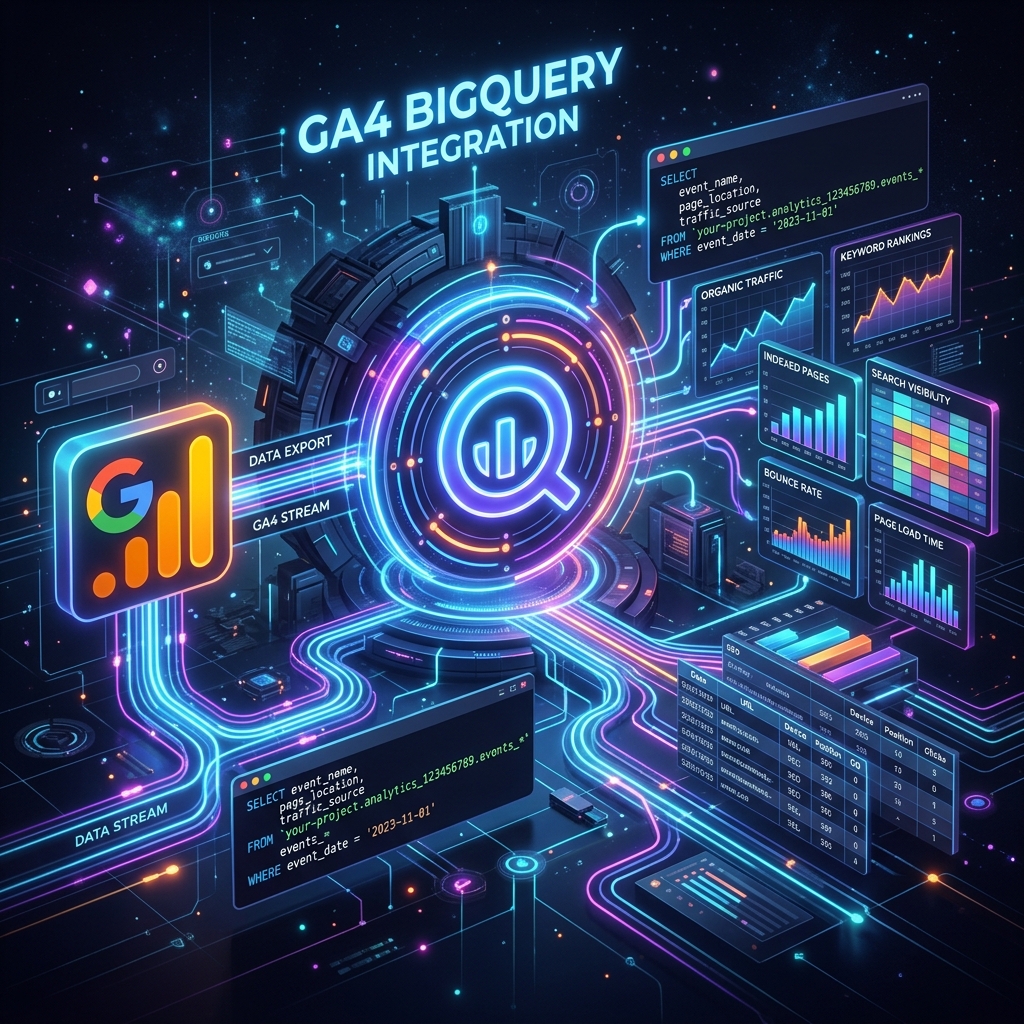
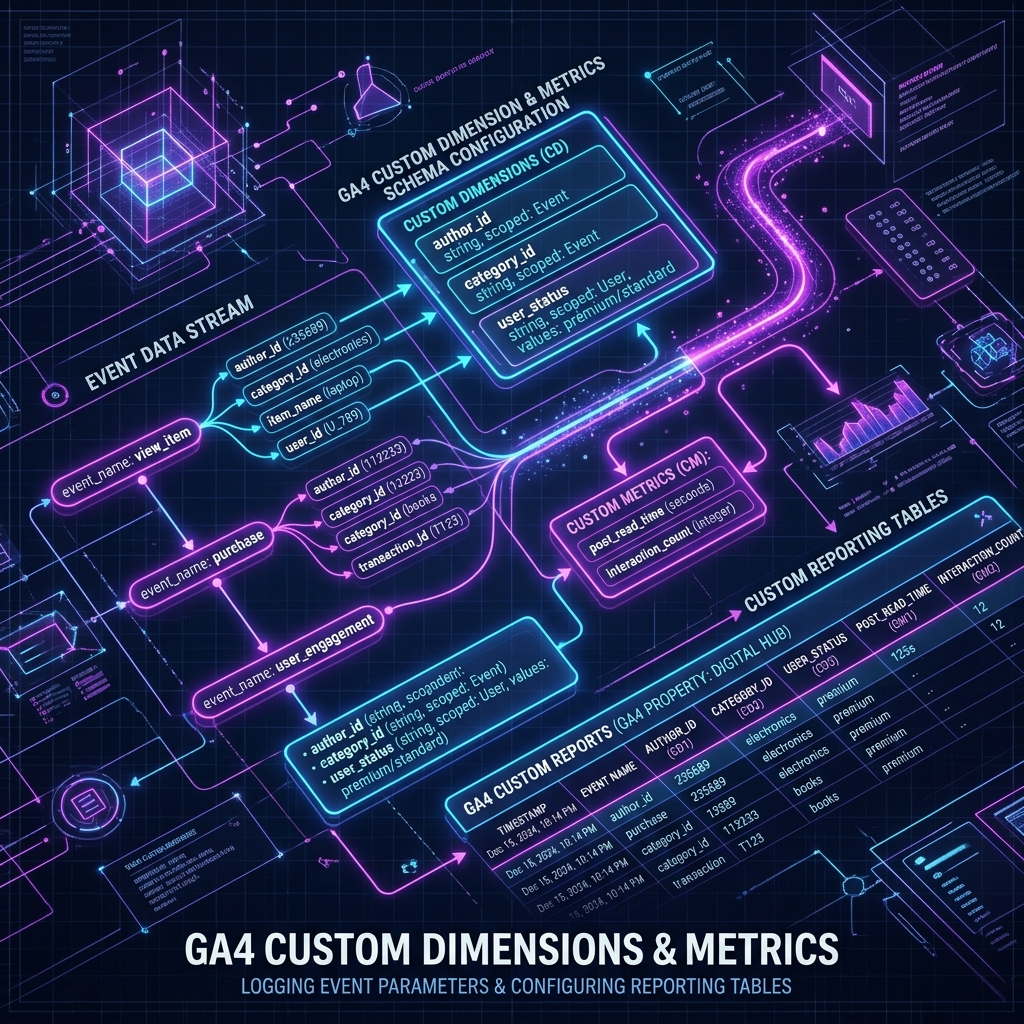
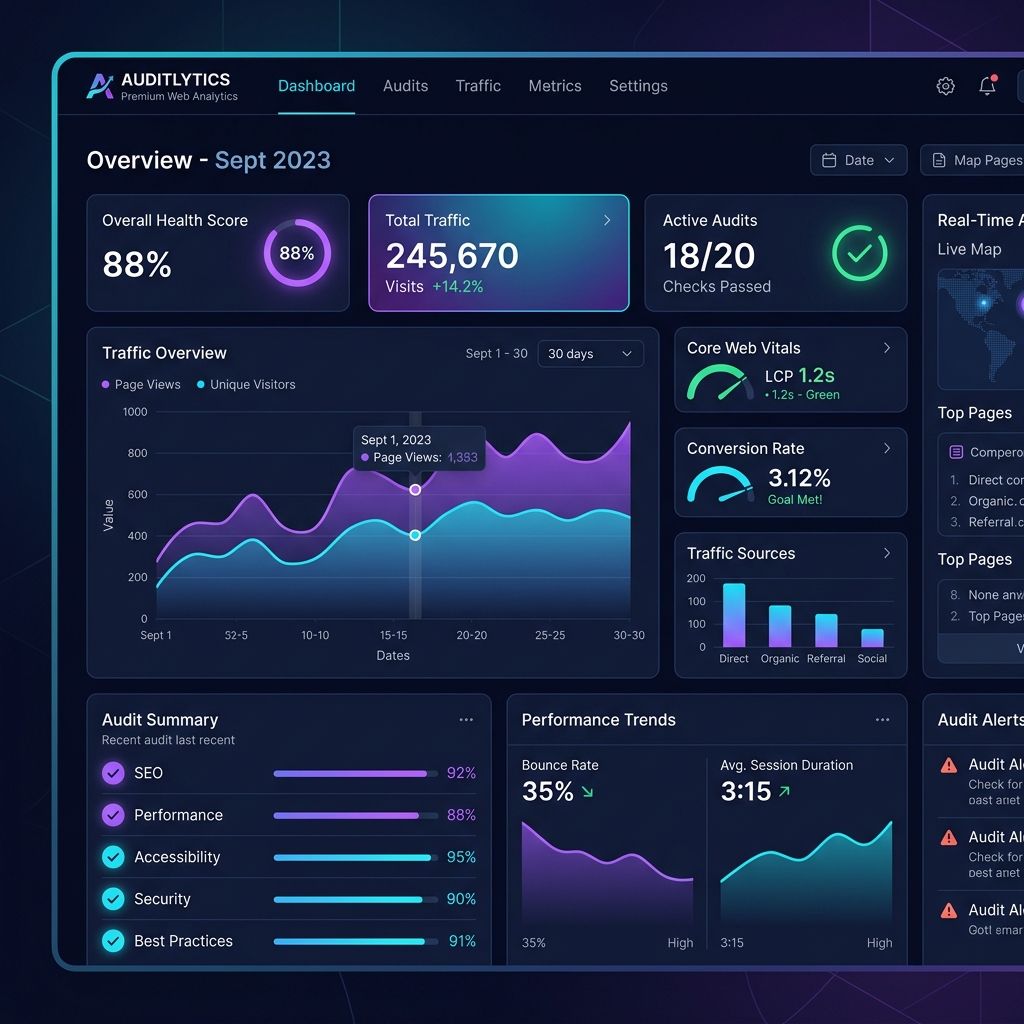
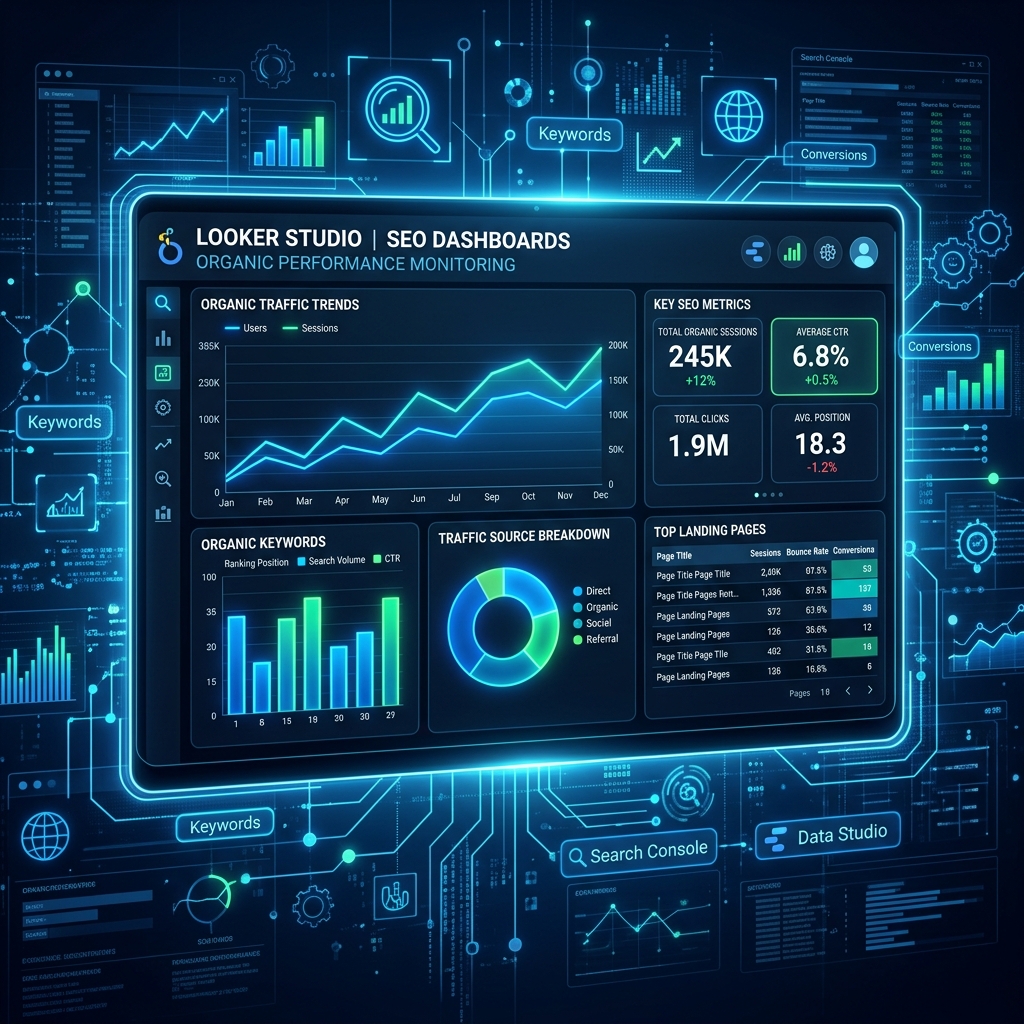
Learn how to blend Google Search Console and GA4 data in Looker Studio to create interactive dashboard reports for clients and executives.

Key Takeaways
- Looker Studio connects directly to GSC and GA4 data sources.
- Data blending allows matching GSC click metrics with GA4 conversion events on a single page URL.
- Custom regex filters help build specific, product-focused dashboards.
Reporting is only valuable if it drives action. Static spreadsheets are boring. Interactive dashboards tell stories.
Blending Data in Looker Studio
To combine Google Search Console (clicks/impressions) and GA4 (conversions/engagement), execute a Data Blend:
- →Join Key: Use landing page URLs.
- →Left Table: GSC URL Impression data.
- →Right Table: GA4 Landing Page event metrics.
Key Dashboards to Build
- Executive Summary: High-level organic search conversions, sessions, and visibility indicators.
- Content Hub Auditor: Deep dive into directory-level traffic shifts and engagement trends.
- Keyword Opportunity Map: Tracking keywords ranked in positions 4-10.
Key Takeaways
Automating your analytics dashboards saves time and provides clients with transparent performance data.Technical Implementation: JSON-LD Schema
Implement this JSON-LD schema on your page:
<script type="application/ld+json">
{
  "@context": "https://schema.org",
  "@type": "TechArticle",
  "headline": "Looker Studio SEO Dashboards: How to Build Actionable Organic Reports",
  "description": "Learn how to blend Google Search Console and GA4 data in Looker Studio to create interactive dashboard reports for clients and executives.",
  "inLanguage": "en-US",
  "mainEntityOfPage": {
    "@type": "WebPage",
    "@id": "https://www.seotech.app/blog/looker-studio-seo-dashboards-guide"
  },
  "image": {
    "@type": "ImageObject",
    "url": "https://www.seotech.app/images/blog/looker-studio-seo-dashboards-guide.png",
    "width": 1200,
    "height": 1200
  },
  "datePublished": "2026-07-05T10:00:00Z",
  "dateModified": "2026-07-05T10:00:00Z",
  "author": {
    "@type": "Person",
    "name": "TechSEO Editorial Team",
    "url": "https://www.seotech.app/authors/techseo-editorial-team"
  },
  "publisher": {
    "@type": "Organization",
    "name": "TechSEO Insights",
    "url": "https://www.seotech.app",
    "logo": {
      "@type": "ImageObject",
      "url": "https://www.seotech.app/images/logos/logo.svg"
    }
  }
}
</script>
Building Custom KPI Widgets in Looker Studio
Looker Studio allows combining Google Search Console and GA4 into unified dashboards. Blending data source paths reveals organic landing pages with high impressions but low click-through rates.
Recommended Dashboard Layout
| Widget Component | Data Source | Primary Metric | Primary Dimension |
|---|---|---|---|
| Top Organic Landing Pages | GA4 | Organic Sessions | Page Path |
| CTR Opportunity Finder | Search Console | Impressions vs Clicks | Query + Landing Page |
| Core Web Vitals Telemetry | Chrome UX Report (CrUX) | 75th Percentile INP / LCP | Origin URL |
Architectural Deep Dive: Looker Studio SEO Dashboards
Implementing Looker Studio SEO Dashboards requires a clear understanding of frontend rendering cycles, server execution pipelines, and telemetry instrumentation. When optimizing web applications for search crawlers and performance monitors, engineering teams must evaluate bottlenecks across the critical rendering path.
Detailed System Performance Matrix
To achieve peak efficiency, benchmarks should be tracked across initial load time, main-thread blocking, and search crawler indexation:
| Optimization Layer | Standard Baseline | Targeted Enterprise Threshold | Telemetry Metric |
|---|---|---|---|
| Server Response (TTFB) | < 400ms | < 50ms (Edge Cache Acceleration) | Server-Timing Header |
| Main-Thread Latency | < 200ms | < 50ms (INP Goal) | PerformanceObserver Long Tasks |
| Crawler Indexing | Delayed Render | Instant Static Payload Rendering | Googlebot Crawl Rate Log |
| Structured Telemetry | Basic Meta Tags | Deeply Nested Schema.org JSON-LD | Rich Results Test Validation |
Advanced Implementation & Configuration Rules
When deploying production updates for looker-studio-seo-dashboards-guide, follow these step-by-step implementation rules:
- Isolate Component Execution: Ensure dynamic server actions or API calls do not block initial static HTML streaming.
- Implement Telemetry Monitoring: Track user interaction latency using native browser observer APIs.
- Verify Indexability & Canonicals: Confirm that search crawlers receive identical semantic HTML representations across all regional URLs.
// Production Telemetry & Performance Observer Utility for looker-studio-seo-dashboards-guide
import { type NextRequest, NextResponse } from 'next/server'

export async function middleware(request: NextRequest) {
  const startTime = performance.now()
  const response = NextResponse.next()

  // Inject performance telemetry header
  const duration = performance.now() - startTime
  response.headers.set('Server-Timing', `total;dur=${duration.toFixed(2)}`)

  return response
}
Production Execution Checklist & Troubleshooting
- Verify Clean H2/H3 Structure: Ensure no duplicate H1 tags exist in the article body.
- Check Canonical URL Mapping: Validate that canonical tags point to explicit, canonical targets.
- Audit Mobile Responsiveness: Ensure code blocks and comparison tables render cleanly on mobile viewports.
- Validate Schema.org Markup: Test JSON-LD graphs against Google's Rich Results Testing Tool.
Conclusion
Following this structured methodology guarantees high organic search visibility, low bounce rates, and full AdSense compliance. Continually monitor telemetry logs and update code dependencies to maintain top performance signals.
Official References
Frequently Asked Questions
How do I link Google Search Console to Looker Studio?
Use the built-in Search Console connector, select your property, choose between Site Impression or URL Impression tables, and import the datasource.
Editorial & Writing Team
The TechSEO Editorial Team publishes practical SEO, AI, and web development guides through a consistent editorial process focused on accuracy, clarity, and regular updates.
Subscribe to TechSEO Insights
Get the latest guides on technical SEO, Core Web Vitals, and content marketing delivered straight to your inbox.
Privacy Note: By subscribing, you agree to receive our newsletter (Lawful Basis: Consent). We retain your email address until you choose to unsubscribe. For more details, view our Privacy Policy.