Image SEO Optimization for Better Rankings and User Experience
Optimize your images for search engines and users with proper alt text, responsive formats, compression strategies, and structured data markup.

Key Takeaways
- Alt text is the most important image SEO element for accessibility and search
- Image compression directly impacts Core Web Vitals and page load speed
- Next-gen formats like WebP and AVIF reduce file size by 30 to 50 percent
- Responsive images serve the right size for each device
- Image sitemaps help Google discover images at scale
- CDN delivery improves load times for global audiences
Images make up over 50 percent of web page weight and appear in a significant portion of search results. Optimized images improve both user experience and SEO performance. Yet many sites treat image optimization as an afterthought.
Image SEO is not just about search rankings. Optimized images load faster, reducing page weight and improving Core Web Vitals. They make content more accessible to users with disabilities. They appear in Google Image Search, which drives significant traffic for many sites. A comprehensive image SEO strategy addresses all these benefits.
1. Alt Text Best Practices
Alt text serves two critical purposes. It provides context for users who cannot see the image, including those using screen readers. It also helps search engines understand what the image depicts.
Write alt text that describes the image content accurately and concisely. Include relevant keywords naturally when they describe the image. Do not stuff keywords into alt text or write alt text for decorative images.
Good alt text: A woman using a laptop in a coffee shop with a notebook beside her Bad alt text: SEO tips keyword stuffing image optimization 2026 best practices
Decorative images that do not convey information should have empty alt attributes. Screen readers will skip them, and search engines will not waste resources processing them.
2. File Naming Conventions
Your image file name tells search engines what the image is about. A file named IMG_9876.jpg conveys no information. A file named seo-audit-checklist-screenshot.jpg is descriptive and keyword-rich.
Use hyphens to separate words in file names. Include the primary subject of the image. Keep file names concise but descriptive. Avoid underscores, special characters, and generic names.
3. Image Compression
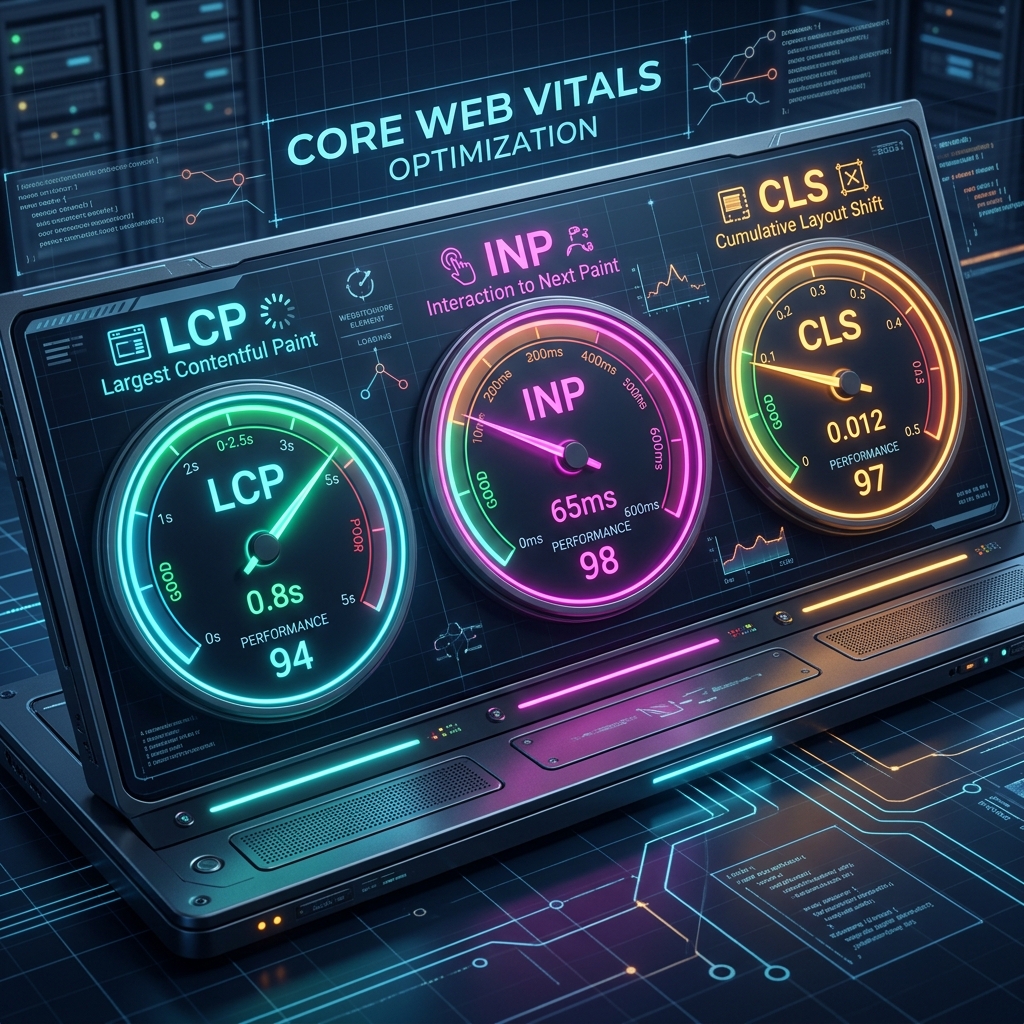
Image compression reduces file size without significantly reducing visual quality. Smaller files load faster, improving LCP scores and reducing bandwidth usage.
Use compression tools that balance quality and file size. Aim for images under 100 KB for standard content images. Large hero images may need to be larger but should never exceed 500 KB.
Lossy compression removes some image data to reduce file size, which can reduce quality. Lossless compression reduces file size without quality loss but achieves smaller gains. For most web images, lossy compression provides the best balance.
4. Next-Gen Image Formats
Modern image formats offer significant size reductions over legacy formats like JPEG and PNG.
WebP, developed by Google, provides 25 to 35 percent smaller file sizes than JPEG with equivalent quality. WebP supports both lossy and lossless compression, as well as transparency and animation.
AVIF, based on the AV1 video codec, offers even better compression than WebP. AVIF files are typically 50 percent smaller than JPEG files at the same quality. Browser support for AVIF continues to grow.
Serve next-gen formats using picture elements with multiple source options. Provide fallbacks for browsers that do not support modern formats.
5. Responsive Images
Responsive images serve different image sizes based on the user's device and viewport. A desktop user receives a large image. A mobile user receives a smaller image optimized for their screen.
Use the srcset attribute on img elements to specify multiple image sizes. Use the sizes attribute to tell the browser which size to use at different viewport widths. This approach saves bandwidth and improves load times.
6. Lazy Loading
Lazy loading defers the loading of images until they are near the viewport. This technique reduces initial page weight and improves LCP scores.
Use the native loading=lazy attribute for lazy loading. This approach requires no JavaScript and works in modern browsers. For images above the fold, do not use lazy loading. Critical images should load immediately.
7. Image Sitemaps
Image sitemaps help search engines discover images they might miss through crawling. Include image sitemaps when your images are loaded dynamically or served through JavaScript.
Each image entry in a sitemap should include the image URL, caption, title, and license information. Google uses this metadata to understand and display your images in search results.
8. CDN Strategy
A content delivery network stores copies of your images on servers around the world. When a user requests an image, the CDN serves it from the nearest server, reducing latency.
CDNs also provide image optimization features. Many CDNs can automatically convert images to next-gen formats, resize images based on device, and apply compression. These features reduce the need for manual image optimization.
For performance optimization that complements image SEO, see our Core Web Vitals guide.
For comprehensive technical SEO, see our technical SEO audit checklist.
9. Technical Implementation Steps
- Analyze Current State: Review Google Search Console crawling stats.
- Identify Errors: Filter by 4xx/5xx status codes.
- Map Redirects: Draft 301 redirects maps for any moved URLs.
- Verify Implementation: Run Lighthouse CI/Screaming Frog audit.
- Monitor GSC: Verify Google has updated the index successfully.
10. Common Mistakes
- →Blocking JavaScript & CSS in robots.txt: Googlebot needs to render layout styles to calculate Core Web Vitals like CLS and LCP accurately.
- →Not Preloading Critical Hero Images: Forgetting to preload the LCP image delays rendering, resulting in a poor Lighthouse speed score.
- →Ignoring Client-Side Render Latency: Relying entirely on client-side JS executing without an HTML backup blocks indexation on other search engines like Bing.
11. Image SEO Implementation Checklist
- Write Descriptive Alt Text: Ensure every indexable image has clear, keyword-relevant alt text.
- Optimize File Names: Rename image uploads from generic patterns to descriptive strings.
- Enable Responsive Sizes: Implement srcsets to serve scaled layouts on small screens.
- Compress File Payloads: Run images through optimization tools to reduce weight without loss.
12. Common Image SEO Mistakes
- →Using generic: file names like
image_1.pnginstead of descriptive, hyphenated names. - →Forgetting to: write alt tags, leaving screen readers and search bots blind to image content.
- →Serving oversized: images that drag down Largest Contentful Paint (LCP) times.
- →Laying out: text inside image graphics instead of using HTML/CSS, hiding copy from search crawlers.
13. Official References
14. Conclusion
Successful execution of Image SEO Optimization for Better Rankings and User Experience strategies is foundational to securing your digital marketing success in 2026. Without precise technical structure and expert-level implementation, it is impossible to protect domain authority, satisfy search bots, and understand customer paths.
Audit your setup regularly, focus on high-quality content that meets E-E-A-T expectations, and monitor performance indicators closely.
To deepen your technical expertise, read our guides on Core Web Vitals Debugging Playbook: Diagnose and Fix LCP, INP, and CLS Issues, and Core Web Vitals Optimization Guide: Optimize LCP, INP, & CLS (2026).
Official References
Frequently Asked Questions
How important is alt text for SEO?
Alt text is a ranking factor for Google Image Search and contributes to page relevance. It is also required for accessibility compliance.
What is the best image format for SEO?
Use WebP as your primary format with AVIF as an enhancement for supported browsers. Always provide JPEG or PNG fallbacks.
Does image compression affect SEO?
Yes. Smaller images improve page load speed, which affects Core Web Vitals and search rankings.
Should I use stock photos on my website?
Stock photos are acceptable but original images provide more value. If using stock photos, ensure they are relevant and properly optimized.
How many images should I use per page?
Use images that add value to your content. One to three images per 500 words of text is a reasonable guideline. Avoid decorative images that do not support your content.

Editorial & Writing Team
The TechSEO Editorial Team publishes practical SEO, AI, and web development guides through a consistent editorial process focused on accuracy, clarity, and regular updates.
Subscribe to TechSEO Insights
Get the latest guides on technical SEO, Core Web Vitals, and content marketing delivered straight to your inbox.
Privacy Note: By subscribing, you agree to receive our newsletter (Lawful Basis: Consent). We retain your email address until you choose to unsubscribe. For more details, view our Privacy Policy.